Clinic Bot on your own websiteTool

Add a chatbot to the clinic site you already have.

Paste one line, or send it to your web person. Your website stays as it is, with one chat button added. It answers timings, address and your own questions, and gives no medical advice.

You get
The same chat on the website you already have. It answers from your VisiDx page and up to twelve questions you write.
We do
We run the chat and keep its answers in step with your VisiDx page.
You do
Add one line to your website, or send it to your web person.
Live
Live the moment the line is on your website.
By day the clinic is open. At night it is shut and the doctor asleep, yet a patient outside gets the timings.Clinic timings:Mon–Fri: 10 am – 1:30 pm, 5 pm – 8pmSat: 10 am – 1:30 pmSample

To add a chatbot to your clinic website, paste one line of code. Or send the line to your web person. The chat opens in its own box, so your site's design stays as it is. You can switch it off with one tap in your Workspace.

Updated

Clinic Bot on your own website on its own

₹999 a month, or ₹9,990 a year

Or get it included in Pro.

What happens next

  1. Set up your free digital clinic. It takes 60 seconds.
  2. Pay for Clinic Bot on your own website in your Workspace.
  3. Paste one line on your website. The chat shows there.

Add a clinic chat to your website in one line

Keep your website as it is. Paste one line and a chat button answers patients from your VisiDx page.

Watch on YouTube

A clinic website on a phone. Its chat answers a question about timings, then offers to book or message.Clinic assistant (automatic)Answers from this clinic's page only. Notmedical advice.Namaste! Ask about timings,address, fees, or booking avisit.TimingsAddressFeesTimingsClinic timings:Mon–Fri: 10 am – 1:30 pm, 5 pm– 8 pmSat: 10 am – 1:30 pmAsk for a visitWhatsApp the clinic22:14Ask the clinicSample

What the patient sees

A patient opens your own clinic website, the one you already have. A small chat button sits in the corner. The rest of your site looks exactly as before. They tap it, and the chat opens in its own box. It says "Clinic assistant (automatic)" at the top. They ask about timings or directions in Hindi or English. The answers come from your VisiDx page. Under each answer are buttons to ask for a visit, WhatsApp the clinic or call.

The doctor's Workspace on a phone: the website is live, and new visit requests are waiting.Namaste, Dr Ira Mehta.Your website is live.ViewShareWaiting for youNew visit requests2Social posts to approve1TodayVisit requests for today: 3See allYour toolsClinic BotOnMissed-call replyOnHomeWebsiteToolsBookingsMore13:05Sample

What you set

You keep your facts in one place: your free VisiDx page. Change your timings there, and the chat on every website changes too. In your Workspace, you switch the chat on and add up to twelve questions of your own. Then you copy one line of code. You paste that line into your website, or send it to whoever runs it. To take the chat off every website at once, switch it off in your Workspace.

How it works

  1. Set up your free VisiDx website. It holds the timings, address and facts the chat answers from.

  2. Get Clinic Bot in your Workspace, or have it with Pro. Add your own questions if you like.

  3. Copy the one line from your Workspace. Paste it into your website, or send it to your web person.

  4. The chat button shows on your website. Switch it off any time, and it goes from every site.

What you get

Your site stays as it is

The chat draws in its own box. It never touches your site's fonts, layout or styles. It loads after your page, so your page does not wait for it. Your web person changes nothing else.

Edit once, change everywhere

Your timings live on your VisiDx page. Change them there, by Workspace or by WhatsApp. The chat on your own site, your VisiDx page and your chat link all answer the new timings.

One line to add

The line works on any website that lets you add a line of code. You do not need to move your website or change who hosts it.

A chat link to share too

Your chat also has its own page. Put the link in your WhatsApp Business auto-reply or your Instagram bio. Patients get the same answers there.

Ways to add a chat to your site

Ways to add a chat to your siteBuild one yourselfPay a web agencyClinic Bot: paste one line
What you doWrite and host the codeBrief the agency and waitCopy one line from your Workspace
Who writes the answersYouYou or the agencyYou. Up to 12 questions, plus the facts on your page
If you change your mindRemove the codeAsk the agencySwitch it off with one tap

Works with what you already use

Any website

One script line works on any website you or your web person runs.

Your VisiDx page

It answers from the facts on your VisiDx page, so you edit them once.

A link to share

Your chat on its own page, for WhatsApp or Instagram.

Fixed answers from your VisiDx page and up to 12 questions of your own.

Who it's for

For a doctor or clinic that already has a website and wants to keep it. It suits a clinic whose site was built by an agency and is hard to change. It suits a hospital with one main site and a few doctors. It also suits a doctor who wants answers at night without rebuilding anything.

What it never does

  • Never gives medical advice.
  • Never asks about symptoms or reports.
  • Never touches your website's own styles.
  • Never keeps what a patient types.
  • Never messages a patient first.

You need the free VisiDx page, because the chat answers from its facts. The chat itself can sit on any website.

Ways to get it

  • On its own: ₹999 a month, or ₹9,990 a year
  • In Pro: included
  • On Free or Plus: add it any time
See plans

Questions

How do I add a chatbot to my existing clinic website?

Copy one line from your Workspace and paste it into your website. Many website builders have a place for a line like this. If someone else runs your site, send them the line. The chat button then shows on every page that carries the line.

Will it change how my website looks or loads?

No. The chat draws inside its own box, so your fonts and colours stay as they are. It loads after your page has loaded, so your page is not slowed. The only change a patient sees is one chat button.

Do I need a VisiDx website for this?

Yes, the free one. It holds the facts the chat answers from, like your timings and address. You edit them once, there. The chat can then sit on your own website, your VisiDx page and its own link. All give the same answers.

Can I switch it off?

Yes. One tap in your Workspace, and the chat goes from every website at once. You do not need to remove the line from your site first. Switch it on again, and it comes back.

Purani website par chatbot lag sakta hai kya?

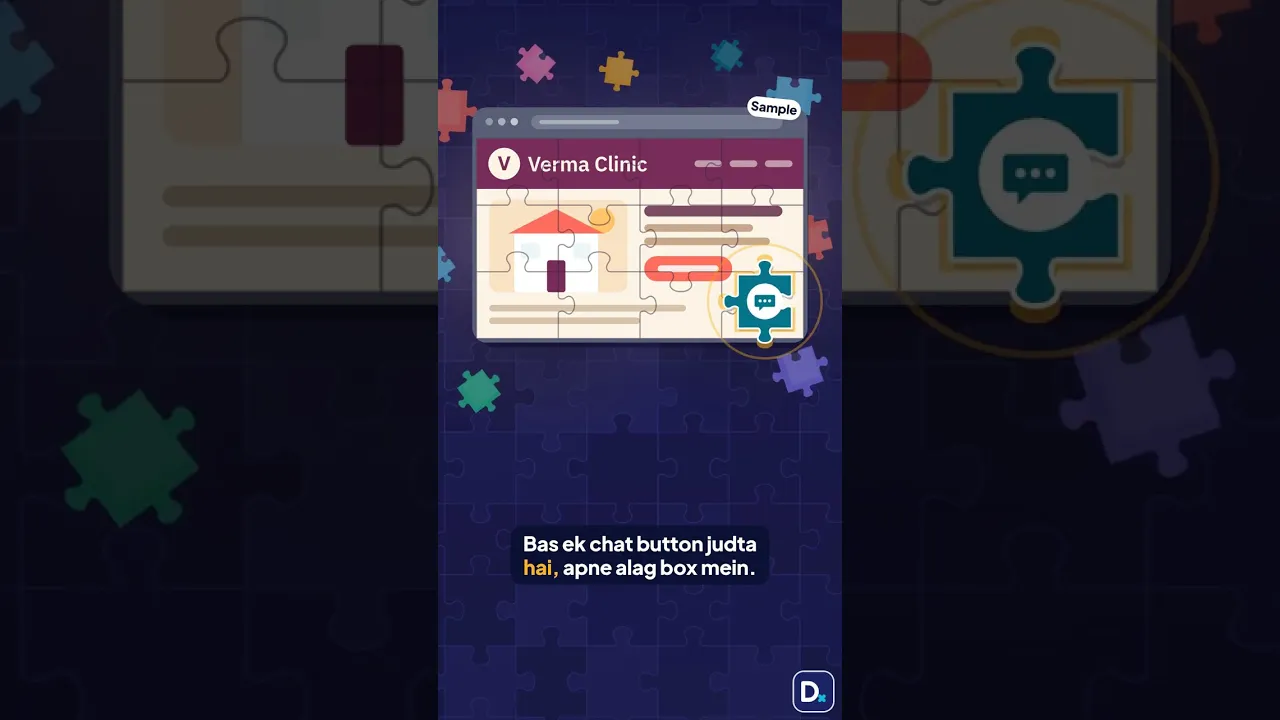
Haan. Workspace se ek line copy karein aur apni website mein paste karein, ya apne web wale ko bhej dein. Website waisi hi rahegi, bas ek chat button judega. Jawab aapke VisiDx page se aate hain. Medical salah kabhi nahin deta.

Is it an AI chatbot?

No. It gives fixed answers from your VisiDx page and your own questions. No AI writes a word. That is the point. You can read every answer it can give, in the preview, before a patient sees it.

About this tool

Add a chatbot to a clinic website you already have

Many website builders let you paste a line of code into a page or footer. Some free plans block it. If yours does, send the line to your web person. Paste the Clinic Bot line, and the chat shows. Nothing else on your site needs to change.

Website chat widget for doctors

A chat widget is a small button that opens a chat on a website. Clinic Bot's widget answers timings, address and your own questions, in Hindi or English. It hands patients to booking, WhatsApp or a call. It never gives medical advice and never keeps what a patient types.

Clinic website ke liye chat button

Ek line code se chat button lag jaata hai. Patient timings, address ya parking pooch sakta hai. Jawab aapke VisiDx page se aate hain. Agar patient ko insaan se baat karni ho, WhatsApp aur call ke button hamesha neeche rehte hain.