Your Workspace
Run your website and tools from one place.
Sign in with a WhatsApp code. No password to remember.
Set up my digital clinic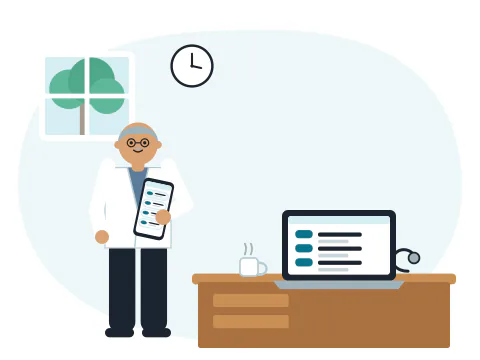
Your whole clinic in one place, no passwords
Approvals, visit requests and tools in one Workspace. Sign in with a WhatsApp code.
What is the Workspace?
The Workspace is where you run your digital clinic. It opens in the browser, on your phone or your computer. There is nothing to install.
You sign in with a code we send on WhatsApp, so there is no password to remember. It shows English or Hindi, as you pick.
What it does
Waiting for you
Posts, replies and new text to approve, in one list.
Your visit requests
Each day's requests, with WhatsApp and Call buttons.
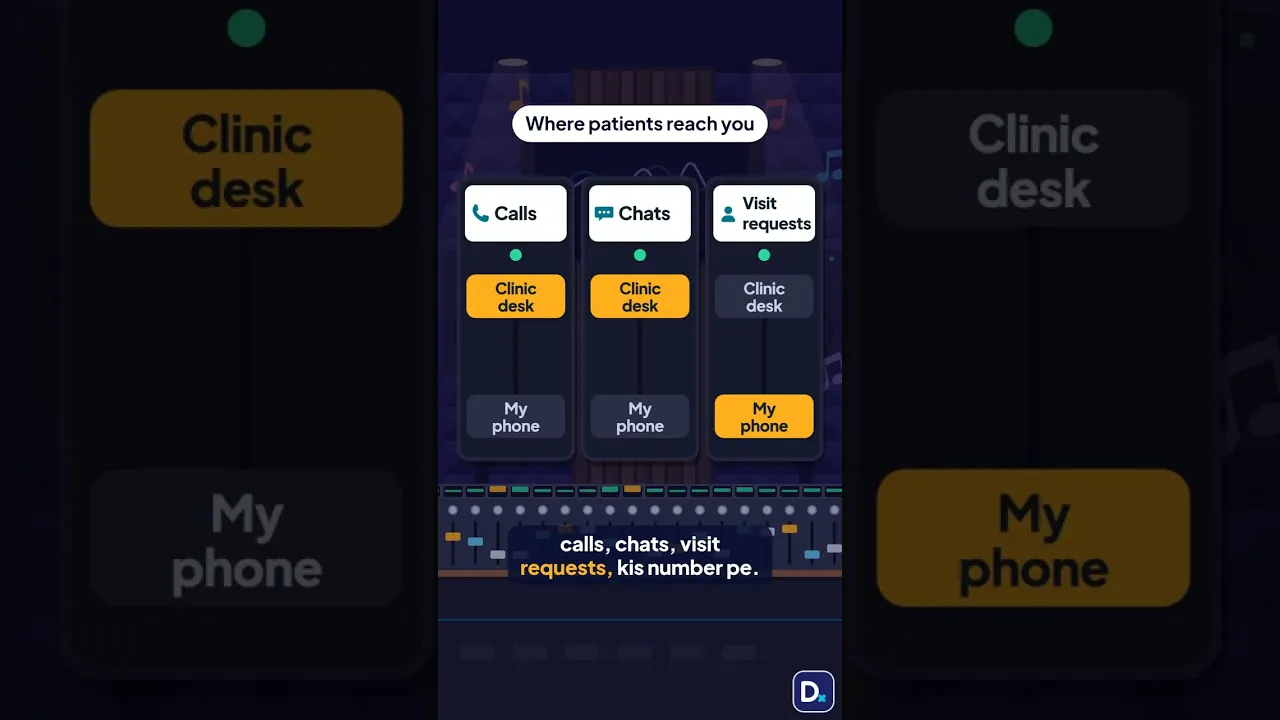
Where patients reach you
Pick which number gets calls, chats and visit requests.
- Switch tools on, one at a time.
- See your AI + NMC Check results.
- See your plan and your next payment.
Four places, one for each job.
Everything sits in four places. Each one answers one plain question.
Home
What needs me today?
Today's visits, your website's link and QR code to share, and the one next thing to do.
Patients
Who is coming, and how do they reach me?
Appointments, requests and messages. Turn on online consultations, and set your fees, visit length, hours, UPI and rules.
My website
What do patients see about me?
About you, your degrees and awards, your practice and the WhatsApp and Call buttons. Pictures for your status, and posters to print.
Account
My plan and my settings.
Your plan and single tools, your language, a short weekly note on WhatsApp, your registration certificate and help.
Ask or tell VisiDx, on every screen.
A box sits on every screen of the Workspace. Type a question or a change in plain words, in English or Hindi.
Prefer WhatsApp? Send us the same words there. Your Workspace shows the same thing either way.
Everything also works on WhatsApp.
Your desk sees only what it needs.
With Token Queue, add your desk's mobile. It gives tokens and sees today's visits, and nothing else.
Questions
How do I sign in?
With the code we send to your WhatsApp. No password.
Is it free?
Yes. Every doctor gets a Workspace, on every plan.
Do I have to use it?
No. Everything also works on WhatsApp.
Can I use the Workspace on a computer?
Yes. It opens in the browser on a phone or a computer. There is nothing to install.
Does the Workspace work in Hindi?
Yes. Pick हिंदी under Language in Account, and the Workspace shows Hindi.
Where do I see who is coming?
In Patients. Appointments shows today, coming up and past visits. Requests shows patients who asked you to call back.
Where do I turn on online consultations?
In Patients, under Online consultations. Set your fees, visit length, hours, UPI and your rules there.
Can my desk use it?
Yes, with Token Queue. Add your desk's mobile. It gives tokens and sees today's visits, and nothing else.