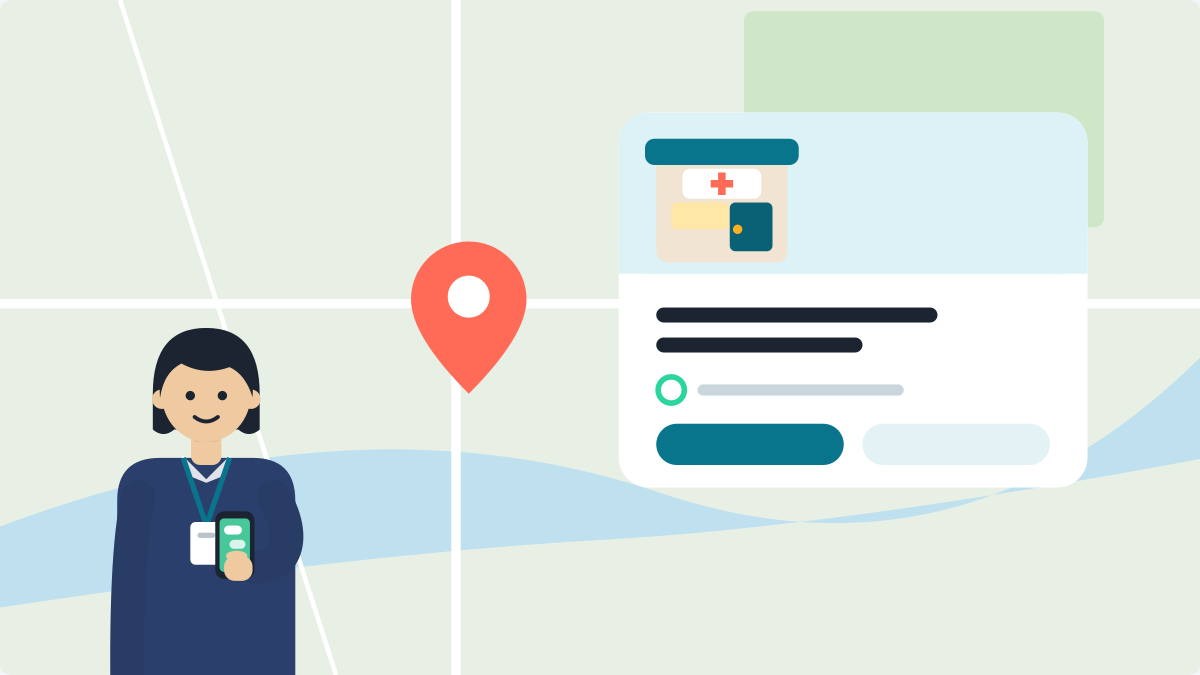
Open the Google Maps app and tap Business, then Edit profile, then Booking. Tap Add link, paste your booking web address, and tap Save. Patients who find your clinic on Google can then open that link to ask for a slot.
You do not need a computer. You do need to be signed in with the account that manages the profile. The job takes about five minutes. Picking the right link is the part that needs thought.
Where should a patient land?
Send patients to a page that answers fast. A family from another town finds your clinic on Google and types:
"Appointment kaise milegi? Kal subah aa sakte hain kya?"
A good link opens on a phone in a second or two. It shows your clinic name, your OPD timings and one clear way to ask for a slot. A poor link opens a long home page, or downloads a file.
You have three common choices.
- Your clinic page. It has your timings and a booking link for your WhatsApp. It is free to set up.
- A booking page on your own website. Good if it already works well on a phone.
- A booking provider's page. Some clinics use a booking service. Ask the provider for your clinic's own link.
Pick one. Do not paste your Instagram page or a news story about the clinic.
Add the link from your phone
These are the steps from Google's help page.
- Open the Google Maps app. Sign in with the account that manages your clinic.
- Tap Business at the bottom right.
- Tap Edit profile.
- Tap Booking.
- Tap Add link.
- Paste your web address. Start it with https://.
- Tap Save.
Google checks an edit before it shows. It says this usually takes about 10 minutes, and sometimes up to 30 days (Google's page). Look again the next day.
No Booking option? Your profile may still need to be verified. Open the profile and see if it asks you to get verified (how verification works). You can also try on a computer. Go to business.google.com, sign in and look for Booking on the profile.
More than one link? Choose a preferred one
Google lets you add up to ten booking links. Some may come from a booking provider. Tell Google which one patients should see first.
- Open your profile and go to Booking.
- Tap Set preferred link.
- Choose the link you want and tap Save.
Google marks it as Business preferred. Choose your own clinic link. Then you decide where patients land.
Test it like a patient
Do this right away. It takes two minutes.
- Ask a friend or a staff member to open Google Maps on their phone.
- Search your clinic name and city.
- Open your profile. Tap the booking link.
- Check the page. Does it open? Is it easy to read? Can they ask for a slot in one or two taps?
- Switch off Wi-Fi and try on mobile data. Many patients in a small town use mobile data.
If anything is slow or confusing, fix the page. A broken link is worse than none.
A different path
Some clinics book through a provider, such as a booking app. Google has a separate route for this. The steps from Google's page:
- Go to business.google.com and open your profile.
- Choose Bookings, then Get started.
- Pick your provider, then tap Done.
Google says the provider should show on your profile within a week. Some providers charge a fee, so ask before you sign up.
To take a provider link off, go to Edit profile, then Booking, then Remove Provider. Google says providers must remove their links within 5 days of a request.
A look every month
Links break when a page moves or a service shuts. Set a reminder for the first Sunday of each month. Tap your own booking link and check it. If your hours changed, update them too.
Your name, phone and link should match on every site. Read how to keep them the same.
A link that is ready to paste
No booking page yet? Your free clinic page has a booking link for your WhatsApp. Make it first: Set up my digital clinic. Then copy its booking link and paste it in Step 1.
So how do you add a Book Now link to your Google profile? Tap Business, Edit profile and Booking. Paste a link that opens fast on a phone. Test it like a patient.
Short answers
How do I add a Book Now link to my Google Business Profile?
Open the Google Maps app and sign in with the account that manages your clinic. Tap Business, then Edit profile, then Booking. Tap Add link, paste your web address starting with https://, and tap Save. It takes about five minutes and needs no computer.
Why is there no Booking option on my Google profile?
Your Google Business Profile may not be verified yet. Open the profile and check whether Google asks you to verify it. You can also try on a computer. Go to business.google.com, sign in, and look for Booking on the profile.
How long does a new booking link take to show on Google?
Google checks every edit before it shows. Google says this usually takes about 10 minutes, and sometimes up to 30 days. Look again the next day. If the link is still missing, open the Booking screen and check that it was saved.
Can I add more than one booking link to my Google profile?
Yes. Google lets you add up to ten booking links. Then tell Google which one patients should see first. Tap Booking, then Set preferred link, choose your own clinic link and tap Save. Google marks it as Business preferred.
Do booking providers charge a fee on Google?
Some do, so ask before you sign up. To add a provider, go to business.google.com, open your profile, choose Bookings, then Get started. Google says the provider should show within a week. To remove one, tap Remove Provider.
Which link should a clinic add as its booking link?
Add a page that opens fast on a phone and shows your clinic name, OPD timings and one clear way to ask for a slot. This can be your free clinic page or a booking page on your own website. Do not use your Instagram page.
VisiDx Team
Built by a doctor, for doctors.
Not affiliated with Google, OpenAI, Anthropic, Perplexity, Microsoft, Meta or YouTube.