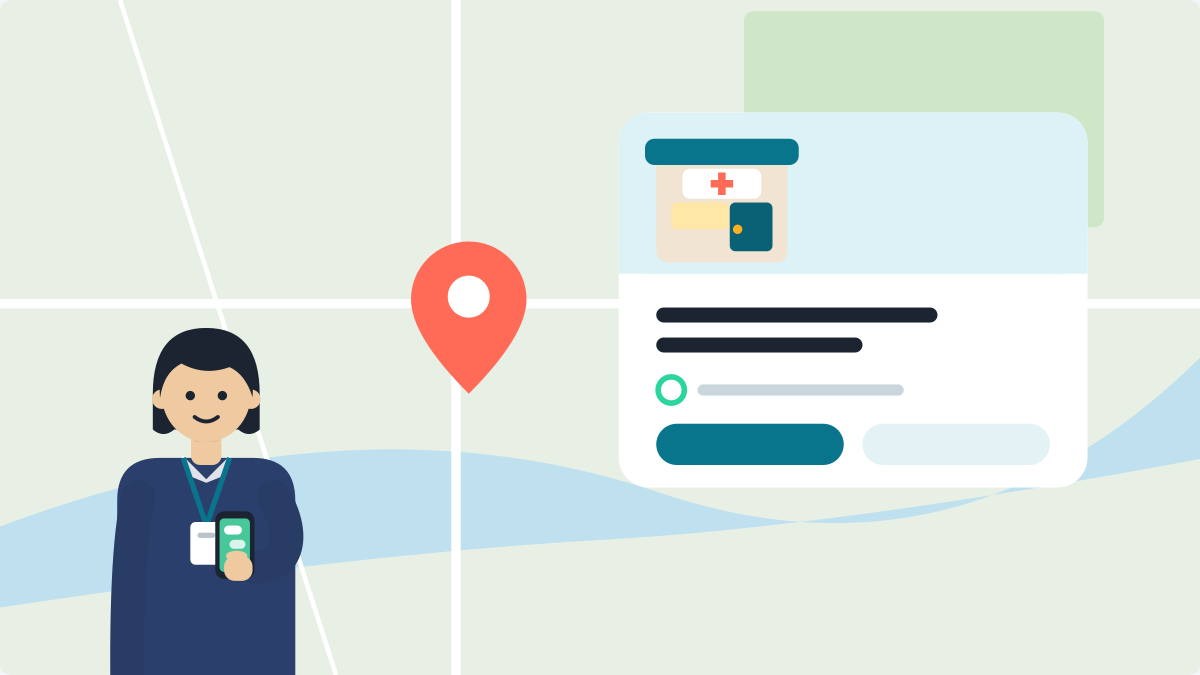
Open the Google Maps app. Tap Business, then Edit profile, then Hours. Set each OPD sitting as its own slot. Then add special hours for leave and holidays, and check your phone number and map pin.
It takes about ten minutes. You do not need a computer.
These fields matter more than before. Google now answers patients' questions about a clinic with Gemini, using your profile among other sources (more on that). A wrong timing can be the answer a family reads before they travel.
Can I edit my clinic's Google profile?
Yes, if you manage it. Sign in to the Google Maps app with the account that manages your clinic. Look for Business at the bottom right. If you do not see it, someone else manages the profile, or it is not verified yet.
Google offers several ways to verify a profile. These include a call or text, an email, a video and a postcard. An unverified profile lets you change only a few things: name, category, address, hours, phone and website.
If a former staff member set it up, ask them to add you as an owner. Do not make a new profile. Read how to add or claim your clinic.
How do I set two OPD sittings on Google Maps?
Enter each sitting as its own slot. Most doctors sit twice a day. One long block, 10 am to 8 pm, means a patient may come at 3 pm and find the door shut.
- In Maps, tap Business, then Edit profile, then Hours.
- Choose Open with main hours.
- Tick each day you sit. Set the opening and closing time.
- For a second sitting, tap Add hours. Enter it as its own slot. For example 10:00 to 13:00, then 17:00 to 20:00 (Google's steps).
- Leave a day unticked if you do not sit. Google shows it as closed. Then tap Save.
Families ask a simple question:
"Sunday ko doctor baithte hain kya? Mummy ko dikhana hai."
Your hours answer it.
Use your real OPD hours. Do not choose "24 hours" unless you are a hospital with an emergency service. Here is why that can cost you trust.
How do I show leave and holidays?
Use special hours. They tell patients about a one-off change, like a festival, a conference or a few days of leave. Set them before the day.
- Go to Edit profile, then Hours.
- Next to Special hours, tap Edit.
- Pick the date. Untick Closed and enter the new hours. Or keep Closed ticked for the whole day.
- Tap Save.
Two rules from Google's page:
- Special hours show only if your main hours are set to "Open with main hours".
- They are for up to six days in a row.
For seven days or more, or if you do not know when you will return, mark the clinic Temporarily closed. Reopen it when you are back. The NMC's guidelines of 6 October 2026 let a doctor announce a temporary absence in a formal notice.
How do I fix my phone, address and map pin?
Check all four, one by one.
- Phone. Call the number on your profile. It should reach the clinic or reception, not an old mobile. Google lets you add your main number and up to two more (edit your profile).
- Address. Check the full address. Add the landmark patients use, like "opposite the district hospital".
- Pin. Open your clinic in Maps and zoom in. The pin should sit on your door. Not the next building, and not a place you moved from.
- Booking link. If your category offers one, check that it opens the right page. If not, skip this.
What do I do after I save?
Open the profile the next day and check that your changes are live. Google checks edits before they show. It says edits usually take up to 10 minutes. Sometimes it can take up to 30 days. In India, Google also double-checks phone numbers (Google's page).
An edit can show as pending or not approved.
Also look for Google updates. Google can change your profile when users or other sources report something. In the editor, those fields show in blue, with a notice at the top (Google's page). For some suggested edits, you get 4 days to accept or reject. If a patient's suggestion made your hours wrong, correct them in your profile.
What is the whole check, in one table?
| What to check | Where in the Maps app | Time |
|---|---|---|
| Morning and evening OPD as separate slots | Business, Edit profile, Hours | 3 min |
| Special hours for leave or holidays | Hours, Special hours, Edit | 2 min |
| Phone reaches the clinic | Edit profile, then call it | 1 min |
| Address, landmark and pin | Edit profile, then open the pin | 3 min |
| Changes are live, no wrong Google updates | Open the profile next day | 1 min |
Once it is right, set a reminder on your phone. Do it for the first week of each month, and before each festival season. Hours drift when a sitting changes and nobody updates Google.
Your hours should match everywhere. Justdial and Sulekha, Bing and your own website can show old hours. If you moved, read why ChatGPT may still give the old address.
Questions doctors ask
How do I change my clinic timings on Google Maps?
Open the Google Maps app on your phone. Tap Business, then Edit profile, then Hours. Set each OPD sitting as its own slot, then tap Save. It takes about ten minutes. You need the Google account that manages your clinic. You do not need a computer.
How do I show morning and evening OPD on Google?
Enter each sitting as its own slot. In Hours, choose "Open with main hours", tick each day you sit, and set the times. For a second sitting, tap Add hours and enter it separately, for example 10:00 to 13:00, then 17:00 to 20:00.
How do I mark leave or a holiday on Google Maps?
Use special hours. In Edit profile, go to Hours, then tap Edit next to Special hours. Pick the date and keep Closed ticked, or enter new hours. Special hours cover up to six days in a row. For seven days or more, mark the clinic Temporarily closed.
Why can't I see the Business tab in Google Maps?
You may not see Business at the bottom right of the Google Maps app. Then someone else manages the profile, or it is not verified yet. Ask the person who set it up to add you as an owner. Do not make a new profile. Read how to add or claim your clinic.
How long do Google Maps timing changes take to show?
Google says edits usually take up to 10 minutes. Sometimes it can take up to 30 days, and in India Google also double-checks phone numbers. An edit can show as pending or not approved. Open your profile the next day and check that your changes are live.
More guides
- How to get ChatGPT to recommend your clinic: The main guide, with the steps for this week.
- How to remove a duplicate Google business profile: Find the old copy, take it over, then remove or merge it.
- How to choose your Google Business Profile category: Pick the category that says what you are.
- How to add photos to your clinic's Google profile: Which six photos help a family find your door.
- How to reply to a bad Google review as a doctor: Reply without naming any patient.
Want to see what ChatGPT and Gemini say about you?
Right timings help a patient who already found you. VisiDx helps the patient who has not. We ask ChatGPT, Google Gemini and Google AI the questions your patients ask. We show you what they say about you. We also check your Instagram, website and Google profile against the NMC rules. Your clinic page is live in 60 seconds, and you can add the check when you want it.
VisiDx Team
Built by a doctor, for doctors.
Not affiliated with Google, OpenAI, Anthropic, Perplexity, Microsoft, Meta or YouTube.