Yes, online consultation is allowed in India, and you can start today with the phone in your pocket. A registered doctor may consult patients online under the Telemedicine Practice Guidelines of 25 March 2020.
You do not need new software skills. You need six things in place: a tool, a way to book, the right start, a fee, a prescription and a rule for "come in". Here is the checklist.
The 2020 guidelines in five lines
Yes. Remember these five lines:
- A registered medical practitioner may consult patients online from any part of India.
- Phone, video, WhatsApp and other chat apps, email and fax are all allowed tools.
- Whatever the tool, the same principles apply as in your clinic.
- The Board of Governors' FAQ says doctors are legally protected to consult by any mode.
- The same FAQ says you can say no to a request, or stop a consult at any time.
Video, WhatsApp or phone
Pick the mode for each patient, to match what the patient needs that day. The guidelines name three modes: video, audio, and text, such as chat, images or email.
- Video shows you the patient. You need it to prescribe some medicines at a first visit (see step five).
- A phone or WhatsApp voice call suits a quick follow-up.
- Chat suits a report or a photo the patient sends.
One link, one time
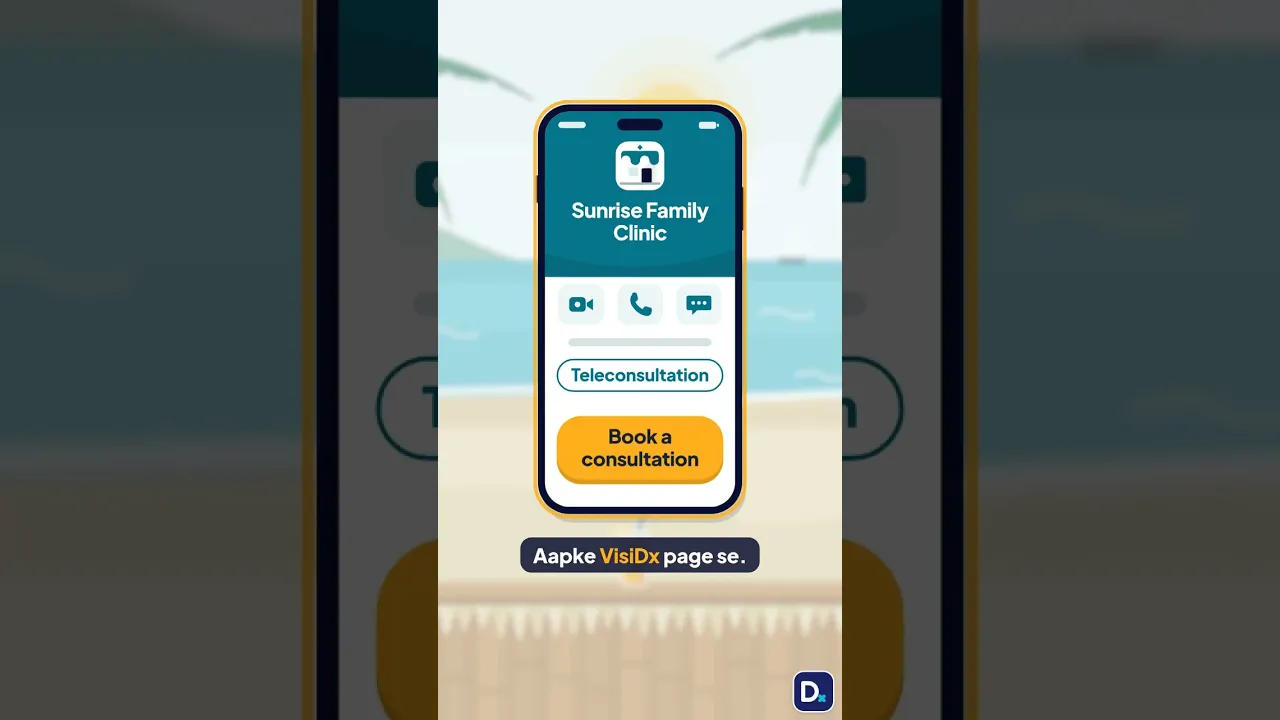
Give them one clear place to ask for a time. It can be your clinic number, your WhatsApp or a booking page.
One rule matters here. The guidelines do not allow you to seek patients for telemedicine through advertisements or inducements. So share your booking link with your own patients. Do not run ads or rewards for online consults.
Who you are, who they are, consent
Start by saying who you are, and confirm who the patient is. A teleconsult should never be anonymous. Both of you need to know who the other is.
- Say who you are. Begin with your name and your qualifications.
- Confirm the patient. Ask their name, age and address. Ask for more details if you need them.
- Check consent. If the patient starts the consult, consent is implied. If a health worker, another doctor or a caregiver starts it, you need the patient's explicit consent. Record it.
Charge it, then give a receipt
Charge a fee, the same way as for an in-person consult, and give the patient a receipt or invoice.
And what records to keep
Write the prescription only after a diagnosis or provisional diagnosis. The guidelines group medicines into four lists:
| List | When you can prescribe it online |
|---|---|
| List O, common over-the-counter medicines | In any mode |
| List A | At a first consult by video |
| List B, add-ons for a condition you already treat | Only at a follow-up |
| Prohibited List | Never by telemedicine |
Send the prescription by email or a messaging app. Then keep records. Keep your call or chat log, the patient's records, and every prescription you share.
Our guide on what to put on an e-prescription has the full checklist.
Emergencies and patient choice
When the problem needs you in person, or the patient wants to come. In an emergency, tell the patient to get in-person care at once.
Also listen to what the patient wants. The guidelines list insisting on telemedicine, when the patient wants to come in, as misconduct. So if they want to come, let them come.
No, it is your own practice
Many people search for "online consultation jobs for doctors". This guide is not about a job. It is about seeing your own patients online, from your own clinic, on your own time.
Questions doctors ask
Can I use WhatsApp for online consultations?
Yes. The Telemedicine Practice Guidelines of 25 March 2020 name chat apps like WhatsApp as a tool. Voice and video calls work too. Pick the mode that suits the patient that day: video, audio or text. Whatever the tool, the same principles apply as in your clinic.
Do I have to take every online consultation request?
No. The guidelines' FAQ says you can choose not to take a request. You can also stop a consult at any time. When it is an emergency, tell the patient to get in-person care at once. If the patient wants to come in, let them.
Can I advertise my online consultations?
No. The guidelines do not allow you to seek patients for telemedicine through advertisements or inducements. Share your booking link with your own patients instead. Do not run ads or rewards for online consults. This is not legal advice.
What if a family member calls for the patient?
Then you need the patient's explicit consent. It can be a text, an email, or a voice or video message. Record it before you begin. If the patient starts the consult, consent is implied.
Can I prescribe any medicine online?
No. The guidelines sort medicines into four lists. List O, common over-the-counter medicines, is allowed in any mode. List A needs a video consult at the first visit. List B is only at a follow-up. The Prohibited List is never allowed by telemedicine.
Your online clinic, set up in a minute
VisiDx gives you a free clinic page. It goes live in 60 seconds after a WhatsApp code.
- Your tool, your choice. For each type of consult, pick a tool. Use our video room, a WhatsApp call, a phone call, or a Zoom or Google Meet link. You choose who calls whom.
- Private details stay private. Your consultation number or link shows only to the patient who booked.
- Bookings in one place. Patients book on your page. New bookings show in your Workspace.
- Your money, straight to you. The patient pays you by your UPI or at the clinic. VisiDx never holds the money. You set when to pay, and your cancellation and refund rules.
- The prescription. After the consult, write it in your Workspace. It makes a PDF that the patient opens from their booking page. The PDF does not carry a signature or stamp yet. See what to put on an e-prescription for what it covers.
Consent and records stay with you, as the guidelines say.
Ready to start online consults? Set up my digital clinic. You can add a check of what ChatGPT and Google Gemini tell patients about you, when you want it.
Related guides
- Send a prescription patients can trust: what to put on it
- What the NMC guidelines of 6 Oct 2026 mean for your posts
- Do doctors need a website?
- How to add your clinic on Google Maps
VisiDx Team
Built by a doctor, for doctors.
Not legal advice.
Not affiliated with Google, OpenAI, Anthropic, Perplexity, Microsoft, Meta or YouTube.