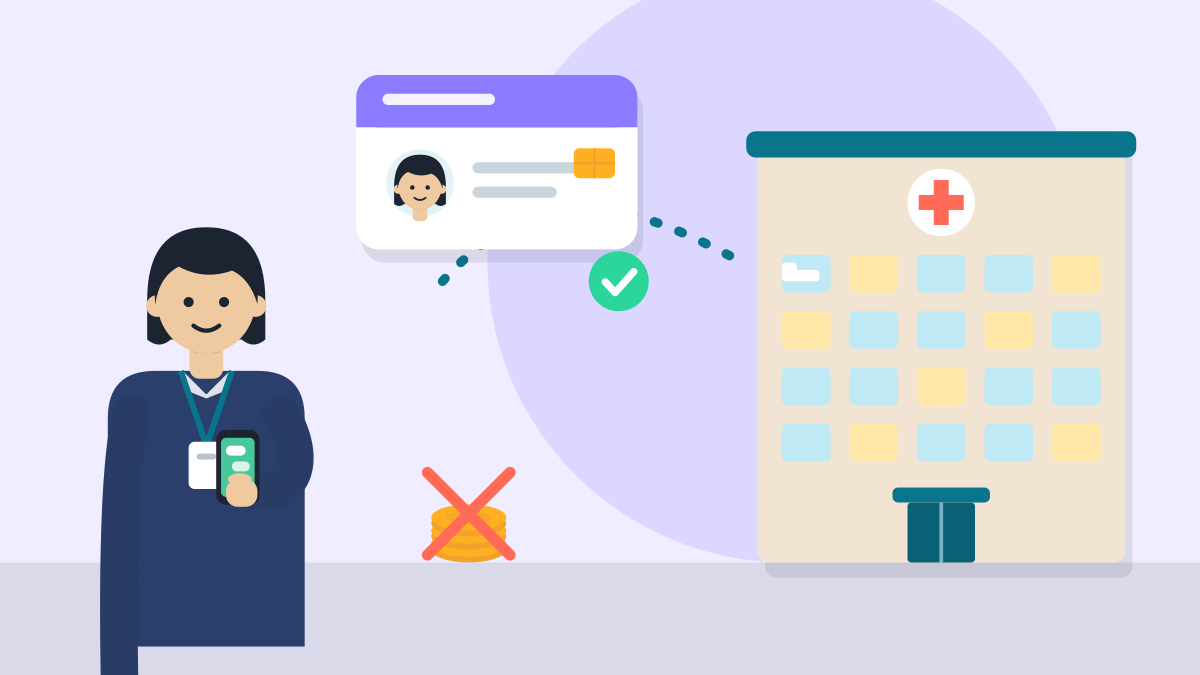
To join many private insurers' cashless lists at once, apply on the Common Empanelment Platform of the General Insurance Council. You apply once, online. It is free. You need a ROHINI ID and a working email. Do not pay any agent.
What do I need before I apply?
- A ROHINI ID for your hospital. The Council's guide tells hospitals without one to register on the national Health Facility Registry first. Unsure which ID it means? Write to commonpanel@gicouncil.in.
- A hospital email you check every day. All notices go there.
- Your hospital registration certificate and the PAN of the hospital.
- A cancelled cheque from the hospital's bank account.
- Your building plan, pollution board NOC, fire safety NOC and waste certificate.
- Licences for what you run: X-ray, ultrasound, pharmacy, blood bank, as they apply.
- Clear photos. The front entrance and an address-proof photo are a must.
- Time: a few hours to fill the form. The whole process takes longer.
- Cost: nothing. The Council says there is no fee at any stage.
What should I watch out for first?
The Council's own guide puts three warnings at the top.
- The process is free. Never pay anyone.
- Do not use an agent, broker or consultant. The Council authorises none. Using one to influence your application leads to rejection.
- After you submit, you cannot change anything. Check every field first.
Who can apply?
Hospitals and day-care centres can apply. These can be single-speciality or multi-speciality. They can be allopathy, AYUSH or other streams. Private, trust and government-aided hospitals can apply.
What are the steps from form to empanelment ID?
- Register. Open the platform. Enter your hospital name, email and ROHINI ID. Your log-in comes on that email. Change the password on your first log-in. Only one account is made for each hospital.
- Fill the form. It has seven parts: general details, beds, staff, building and services, the list of services, money details and papers. Use "Save and resume" to finish later.
- Upload your papers and photos. Papers go up as PDF. Photos go up as JPG or PNG. A blurred or locked file is flagged.
- Preview and submit. Check every part on the preview screen. Tick the consent box and submit. The form is then locked.
- Automatic checks. The system checks insurer exclusion data. It then grades your hospital on more than 200 checks.
- Screening. A verifier reads your form and papers. If something is unclear, you get a query on the portal. Answer it quickly, because an unanswered query stalls the case.
- Verification. Your hospital is verified by video or by a visit. A check is a must if your last verification was more than two years ago.
- Rates are agreed. An officer of the Council talks rates with you. Five insurers in your state then vote on them. If three or more vote no, the application is declined.
- Sign the MoU online. You get a secure link by email. You sign with Aadhaar verification. The Council then countersigns.
- Empanelled. You get an empanelment ID. Your hospital is added to the central list that insurers can see.
How is my hospital graded?
What you tick in the services and building parts changes the grade. Say "yes" only to a service that runs today, inside your building, with staff. Bed counts are checked in the visit, so do not round up.
If you say "yes" to a service, upload its licence. A missing licence raises a query.
Is there a faster route?
Yes, there is a fast track. The guide names these conditions:
- NABH accreditation, at least entry level.
- Empanelled with one or more insurers already.
- Registered with the local authority or under the clinical establishments law.
- Owned and run by an allopathic doctor.
- A signed declaration that you will not take part in fraud or abuse.
Take the declaration seriously. If fraud is found, the guide says all insurers of the Council can remove you for three years.
What about TPAs and single insurers?
This platform is for insurance companies of the General Insurance Council. For a TPA or one insurer directly, ask them for their own list of papers.
What mistakes should I avoid?
- Paying a "helper". The Council says this is fraud and may sink your application.
- Using a link from an agent. Open the official portal yourself.
- Rounding up beds or staff. They are checked.
- Using the wrong name or PAN. Use the exact legal name on your certificate and the PAN of the hospital, not of a person.
- A bank detail that does not match the cheque. The numbers must match exactly.
- Ticking "yes" to a service with no licence uploaded. This raises a query and delays you.
- Missing emails. Check spam. The MoU link goes to the email you registered with.
Related guides
- Open a clinic in India: every licence you need
- Biomedical waste authorisation for a clinic
- Fire NOC for a clinic
Sources
All checked on 7 Nov 2026.
- General Insurance Council, Common Empanelment Platform: Hospital FAQ and Application Guide: the notice, sections 1 to 9 (who can apply, ROHINI ID, the nine stages, the seven form sections, papers and photos, submission, verification and the fast track, rate talks, MoU, empanelment ID).
- General Insurance Council, Common Empanelment Platform: the platform is managed by the Council, with help contact commonpanel@gicouncil.in.
Last checked 7 Nov 2026.
General information. The Council can change its steps, so read its latest guide before you apply.