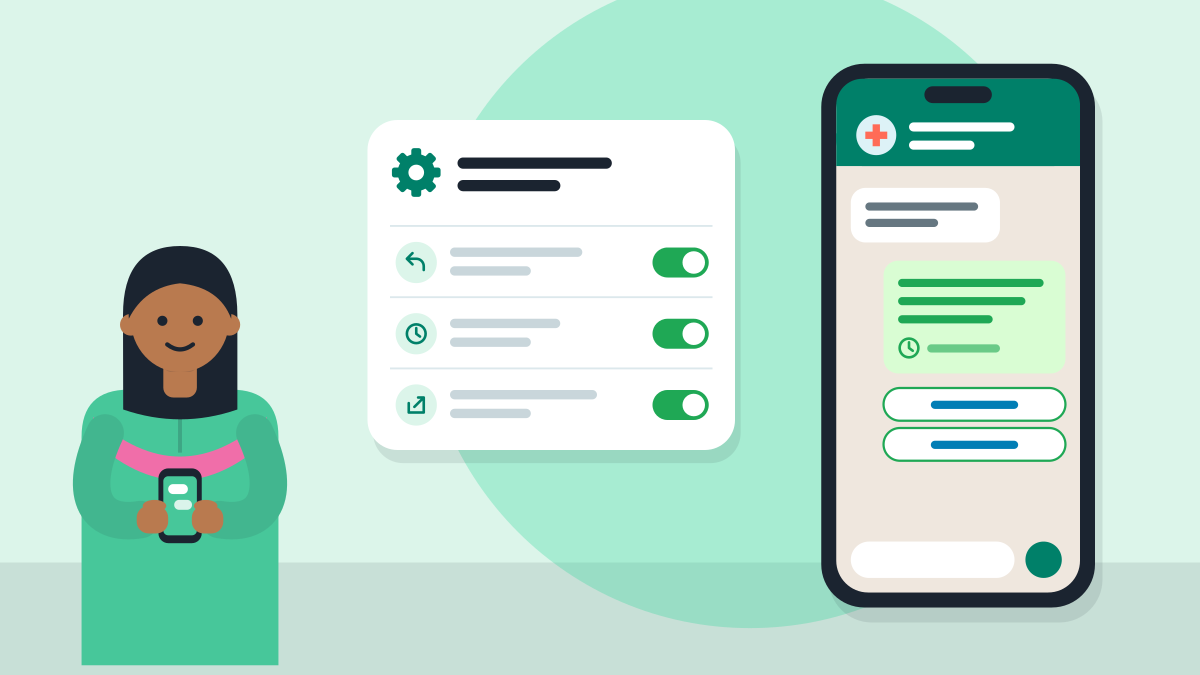
You can set up the free WhatsApp Business app for your clinic in about 30 minutes. Add your clinic profile and hours. Then turn on a greeting, an away message and a few quick replies. Your phone answers the common questions for you.
WhatsApp calls the app free to download. You do not need a developer or a paid tool. Here are the steps, with ready texts to copy.
Which number should I use?
Use one phone number for the clinic, and put the WhatsApp Business app on that phone. Your front desk can use the same number, so patients always reach the clinic, not one person.
The menus below are for Android. An iPhone has the same tools. A name may sit in a slightly different place, so look around the Tools tab.
How do I set the profile and hours?
Open the app and set up your business profile. WhatsApp lets you add a description, an address, an email and a website. For a clinic, put these in:
- your name and your degree, as patients know you;
- the clinic name and the full address;
- the days and hours you see patients;
- your website or clinic page link, if you have one.
Keep the words plain, so patients know in five seconds who you are and when to come. Set your business hours here. The away message uses them later.
How do I set a greeting message?
Go to Tools, then Greeting message. Turn it on, type your text and pick who gets it. A greeting is the first reply a new patient gets. WhatsApp says it goes to someone who writes for the first time, or after 14 days of no chat.
Here are two you can use.
English:
Hello, this is the clinic of Dr. [your name]. Thank you for writing. We see patients Monday to Saturday, [time] to [time]. Please send your name and what you need, and our team will reply soon. For an emergency, please call your nearest hospital.
Hindi:
नमस्ते, यह डॉ. [आपका नाम] का क्लिनिक है। संदेश के लिए धन्यवाद। हम सोमवार से शनिवार, [समय] से [समय] तक मरीज़ देखते हैं। कृपया अपना नाम और ज़रूरत लिखें, हमारी टीम जल्दी जवाब देगी। आपातकाल में कृपया नज़दीकी अस्पताल जाएँ।
How do I set an away message?
Go to Tools, then Away message, and turn on "Send away message". Then tap Schedule. An away message tells the patient when you will reply. It is the one that saves your evenings.
WhatsApp gives three choices: always, a custom time, or outside your business hours. The last one shows only if you set hours in your profile.
English:
Thank you for writing. The clinic is closed now. We will reply when we open at [time] on [day]. To book a visit, please send your name and a good time. For an emergency, please go to your nearest hospital.
Hindi:
संदेश के लिए धन्यवाद। क्लिनिक अभी बंद है। हम [दिन] को [समय] पर खुलने के बाद जवाब देंगे। मिलने का समय चाहिए तो अपना नाम और सुविधाजनक समय भेजें। आपातकाल में नज़दीकी अस्पताल जाएँ।
Your phone needs an internet connection for these messages to go out, so keep data on at the clinic.
How do I add quick replies?
Save the answers to the questions patients ask all day. Where is the clinic? What are the timings? Do I need to book? A quick reply is a saved answer. In a chat, type "/" and pick it. You save the typing.
Save five to start:
- /address: the full address, with a Google Maps link;
- /timings: your days and hours, and any day you are closed;
- /book: how to book, such as "Please send your name, age and a good time";
- /documents: what to bring, such as old reports and the prescription;
- /thanks: a warm closing line.
Keep each reply short. Do not give medical advice in a saved reply. Save that for the consult itself. If you consult on WhatsApp, read the rules for WhatsApp consults first.
How do I add a short link and a catalogue?
The app makes a short link for you when you register. On Android, tap Tools, then the three dots, then Short link. WhatsApp says anyone with the link can message you. You can also add a first line that opens ready in the chat. For example: "Hello, I want to book a visit".
Put this link on your Instagram bio, your Google profile, your door and your cards. Patients tap once and the chat opens.
A catalogue is optional. WhatsApp lets you add items with a name, photo and short description. Some clinics list their main services in plain words, like "Child check-up" or "Teeth cleaning". Skip it if it feels like extra work.
What if my staff need to reply too?
Give the front desk the same number. If many patients write each day, the front desk also needs a plan for tokens, reminders and missed calls. Read how a hospital OPD front desk can run on WhatsApp. A small clinic can do much of this with the steps above.
What can I do in 30 minutes this week?
- Install WhatsApp Business on the clinic phone and fill in the profile and hours.
- Paste in the greeting and away messages above, with your own times.
- Save five quick replies.
- Copy your short link and put it on your Instagram bio and your Google profile.
- Make a free clinic page (Set up my digital clinic), with a button that opens WhatsApp. Then your page, your card and your chat all lead the patient to the same place.
Set it up once, and the common questions answer themselves while you see patients.
Questions doctors ask
Is WhatsApp Business free for a clinic?
Yes. WhatsApp calls the Business app free to download. You do not need a developer or a paid tool. You can set it up in about 30 minutes. Add your clinic profile and hours, then turn on a greeting, an away message and a few quick replies.
How do I set up a greeting message in WhatsApp Business?
Go to Tools, then Greeting message. Turn it on, type your text and pick who gets it. A greeting is the first reply a new patient gets. WhatsApp says it goes to someone who writes for the first time, or after 14 days of no chat.
How do I set an away message for my clinic?
Go to Tools, then Away message, and turn on Send away message. Then tap Schedule. WhatsApp gives three choices: always, a custom time, or outside your business hours. The last one shows only if you set hours in your profile.
What quick replies should a clinic save?
Save five to start. Write your address with a Google Maps link, your timings and closed days, and how to book. Add what documents to bring, and a warm closing line. In a chat, type "/" and pick the reply. Do not give medical advice in a saved reply.
How do I make a WhatsApp short link for my clinic?
On Android, tap Tools, then the three dots, then Short link. WhatsApp says anyone with the link can message you. You can add a first line that opens ready in the chat. Put the link on your Instagram bio, Google profile, door and cards.