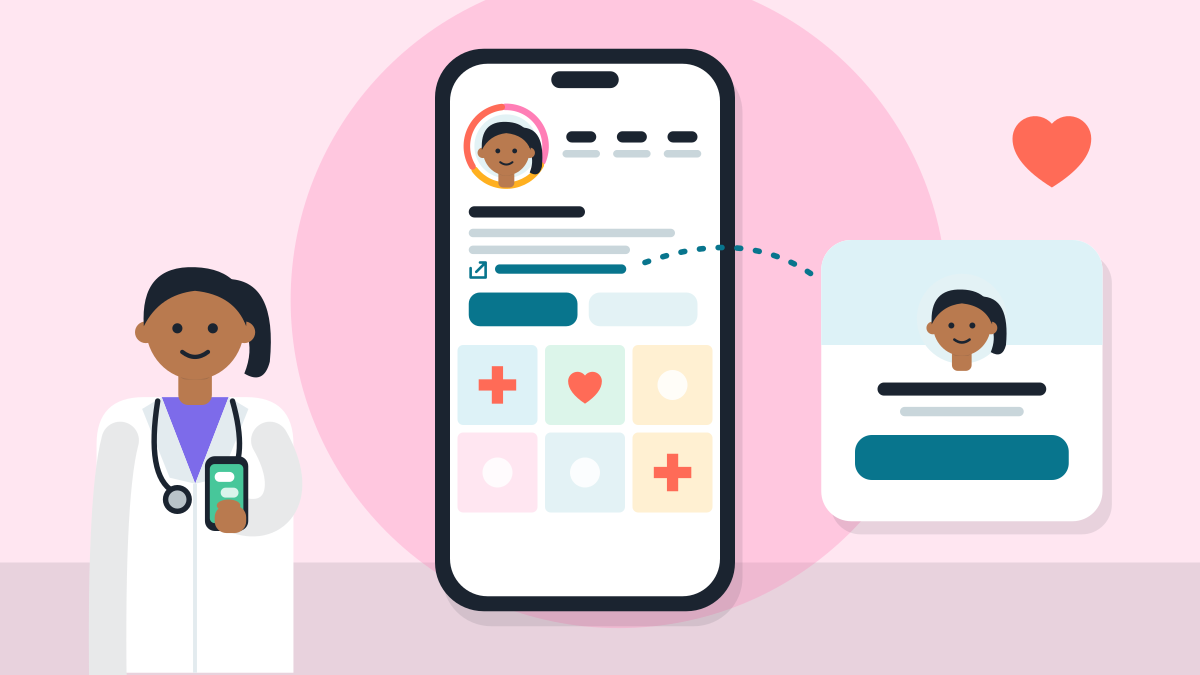
How to set up your clinic's Instagram profile for patients? Professional account steps
By VisiDx Team · Built by a doctor, for doctors: Dr Amaan Afaque, MBBS (UP Medical Council Reg. No. 135262), founder of VisiDx, a software company
Published · Last updated · 4 min read
Last checked
A professional Instagram account gives your clinic a Contact button. A patient taps it and gets your phone number, your email and directions. A personal account has no such button.
Switching takes a few minutes, and you can switch back. Do the steps below once, on your phone.
01
What should I decide before I start?
Use your clinic's name, phone and address exactly as on your Google profile. A patient who sees two phone numbers may call neither. Our post on listings that match everywhere says more.
Write your bio after the account is set up. Keep it short and plain. Your name line and photo come first, because a patient sees them before anything else.
02
Which link should patients tap?
Your link is the one thing a patient can tap to learn more. Point it to your clinic page, which holds your timings, your map and a way to message the clinic. A free clinic page takes about a minute: Set up my digital clinic.
VisiDx Team
Built by a doctor, for doctors.
Not affiliated with Instagram, Meta, Google, OpenAI, Anthropic, Perplexity, Microsoft or YouTube.
What you need
Your Instagram login, on your phone
Your clinic's phone number, email and address, the same as on your Google profile
A clear photo of your face, or your clinic's logo
The link to your clinic page
Steps
1
Switch to a professional account
Open your profile, then the menu, then Settings. Find the option to switch to a professional account and follow the screens. Menu names change a little between app versions.
2
Choose Business
Instagram offers two kinds, Business and Creator. Instagram's Help Centre says Business suits local businesses and service providers. A clinic is a service provider, so pick Business. You can change it later.
3
Pick the category that fits
Instagram shows a list of categories. Choose the one closest to what you are, such as a doctor, a dentist or a clinic. Look through the list in the app. You can change the category later in Edit Profile.
4
Add your contact details
Instagram asks for business contact details. Add your clinic's phone number, email and address. Use the same ones as on your Google profile. You can skip this step and add them later.
5
Connect a Facebook Page, if you have one
Instagram may ask if you want to connect a Facebook Page. If your clinic has one, connect it. If not, skip it. You can add or change the Page later.
6
Set your name line and photo
Go to Edit Profile. The name shows in bold at the top. Put your name, your speciality and your city there. Add a clear photo of your face or your clinic's logo.
7
Add your bio
A bio can be up to 150 characters. That is about one text message. Say who you are, what you treat and where. For lines you can copy, see Instagram bio for doctors.
8
Add one link
In Edit Profile, add your website. Use your clinic page, which has your timings, your map and a way to message the clinic. Keep it to the one link a patient needs most.
9
Check that your category and contact details show
In Edit Profile, open Public Business Information. Then open Profile display. Choose to show your category and your contact info. Patients can then tap the Contact button for directions, a phone number and an email.
10
Keep three stories as Highlights
Post a story with your timings, one with your map and one on how to book. Save each as a Highlight. A Highlight stays on your profile after the story has gone.
11
Look at your profile like a patient
Open your profile on another phone, or in a browser. Read the name line, the bio and the link. Tap Contact. Check that the phone number and address are right.
Keeping a personal account. It has no Contact button, so a patient has to DM you to find the phone number.
Choosing Creator because it sounds like you. Instagram says Creator suits public figures and artists. A clinic fits Business.
Putting a different phone number from your Google profile. Patients may call neither.
Hiding the category and contact info in Profile display, then wondering why the Contact button is missing.
Linking to a page with no timings or map. Link to one clear clinic page.
Switching back and forth. Instagram says insights data is erased each time you go back to a personal account.
Questions doctors ask
Should a doctor choose Business or Creator on Instagram?
Choose Business. Instagram's Help Centre says Business accounts are best for local businesses, brands and service providers. Creator accounts are best for public figures, artists and influencers. You can change it later.
Does switching to a professional account make my profile public?
Yes. A professional account is public. If yours is private now, it becomes public when you switch. Check old posts first, and delete any you do not want patients to see.
What does the Contact button show?
Instagram's Help Centre says a Contact button can show directions, a phone number and an email address. Anyone who taps it can see them. You choose which to add.
How do I change my category or contact details later?
Open your profile and tap Edit Profile. Under Public Business Information you can change the Facebook Page, the category and the contact info. Profile display lets you show or hide them.
Can I add a Book now button?
Instagram's Help Centre says its action buttons work through a short list of partner apps. Meta hopes to grow that list. The button may not show for you. Put your booking or clinic page in your link, and use the Contact button.
Can I go back to a personal account?
Yes. Instagram lets you switch back at any time. Each time you do, your insights data is erased.
Is Instagram a way for patients to find me on Google?