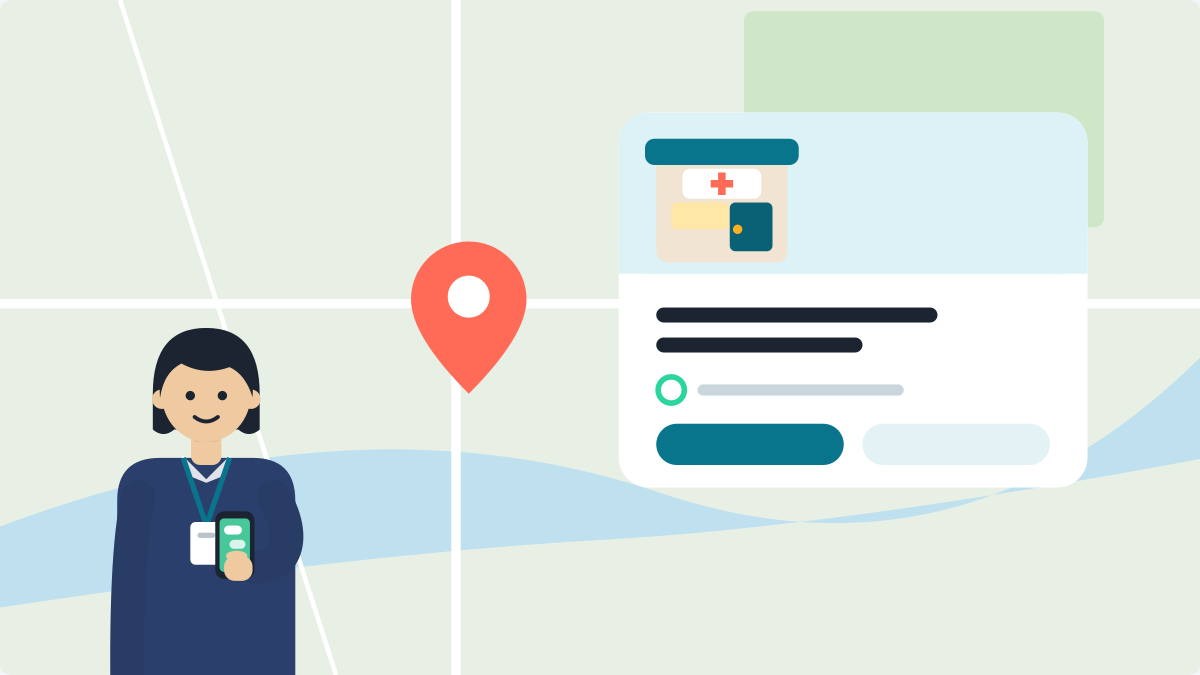
To post on your clinic's Google profile, go to business.google.com and choose Posts, then Add post. Pick Update or Event, write two or three plain lines, add a photo and a button, and select Post. It takes about five minutes.
A post is a small note on your profile. Google shows it to people who find your clinic on Search or Maps. A mother checking your timings can read that you are closed for Diwali, or that you hold a talk on Saturday.
What should a clinic post on Google?
Post things that are true today, and keep each one short. Here are three ideas.
Dr A, MBBS, MD (Skin). Clinic timings change from Monday: 10 am to 1 pm and 5 pm to 8 pm. Bareilly.
Diabetes talk at the clinic, Saturday, 4 to 5 pm. Come with your questions. Dr A, Bareilly.
The clinic is closed from 7 to 11 November for Diwali. We are back on 12 November.
The first two fit Update and Event. For the Diwali note, see what to tell patients when you close. For talk and health day ideas, see November health days. For a new clinic, see the opening message.
What should I leave out of a post?
- Do not type your phone number in the text. Use the Call now button. Google may remove posts with contact details it cannot verify.
- Do not promote or sell medicines or medical devices. Google's rules do not allow it.
- Do not use a patient's photo or name.
- Do not write anything that sounds too good to be true. Google does not allow false or misleading health information.
Send patients to one place
The button is the last thing a patient reads. Point it to one page with your timings, your map and a way to message you. A free clinic page does this in about a minute: Set up my digital clinic. Then every post leads to the same true page.
VisiDx Team
Built by a doctor, for doctors.
Not affiliated with Google, OpenAI, Anthropic, Perplexity, Microsoft, Meta or YouTube.