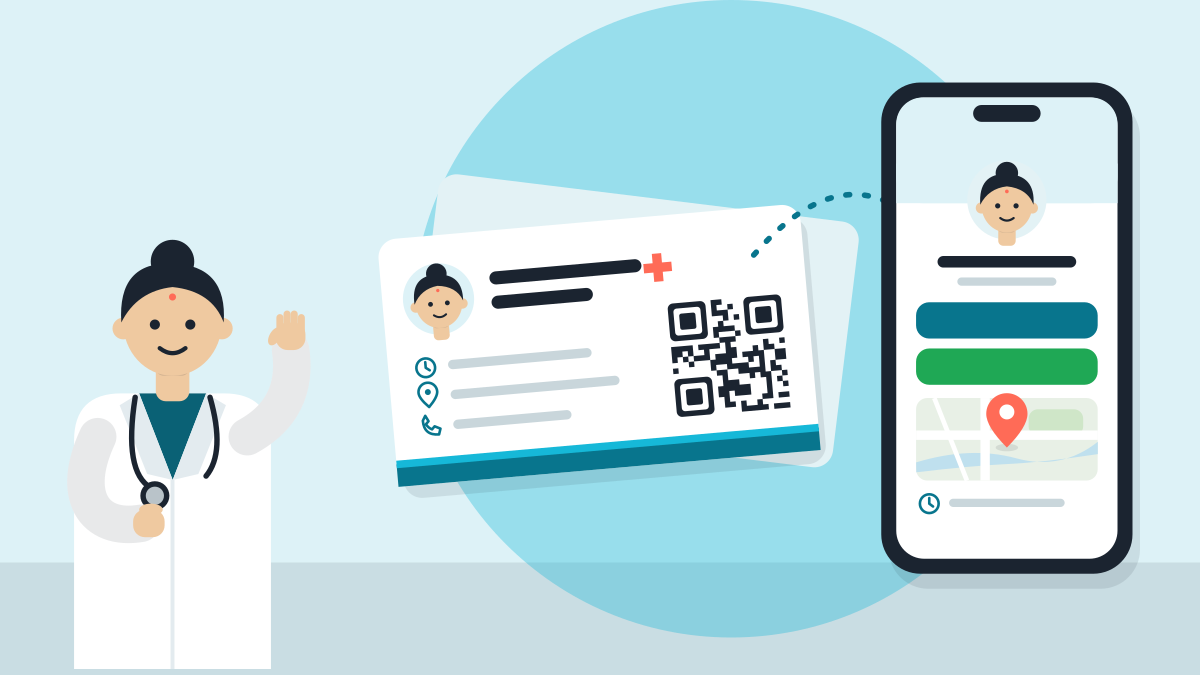
To make a QR code for your clinic, copy a link, open it in Chrome and choose Create QR code. Make three: one for the map, one for a WhatsApp chat and one for your clinic page. It takes about twenty minutes.
A QR code is a small square that a phone camera reads. A patient points a phone at it and a page opens. Nobody types your address or saves your number.
Which three QR codes should a clinic make?
| Code | A patient scans it to | Put it on |
|---|---|---|
| Map | Find your door | Door board, visiting card |
| Message your clinic | Desk, prescription pad | |
| Clinic page | See your timings | Waiting-room poster |
Say a family comes from a nearby town and cannot find your lane. They scan the map code on your board, and Maps takes them to the door. Directions in a big city work the same way.
How do I make the code easy to scan?
Print each code large and flat on plain paper, with a short line below it. For example: "Scan for the map." or "Scan to message the clinic." Keep the colours as they are.
Done for you
A free clinic page comes with ready QR codes for the page, for booking and for a WhatsApp chat, plus an A5 desk poster. It takes about a minute: Set up my digital clinic. Then you only print. You still make the map code from your Google Maps link, as above.
VisiDx Team
Built by a doctor, for doctors.
Not affiliated with Google, OpenAI, Anthropic, Perplexity, Microsoft, Meta or YouTube.