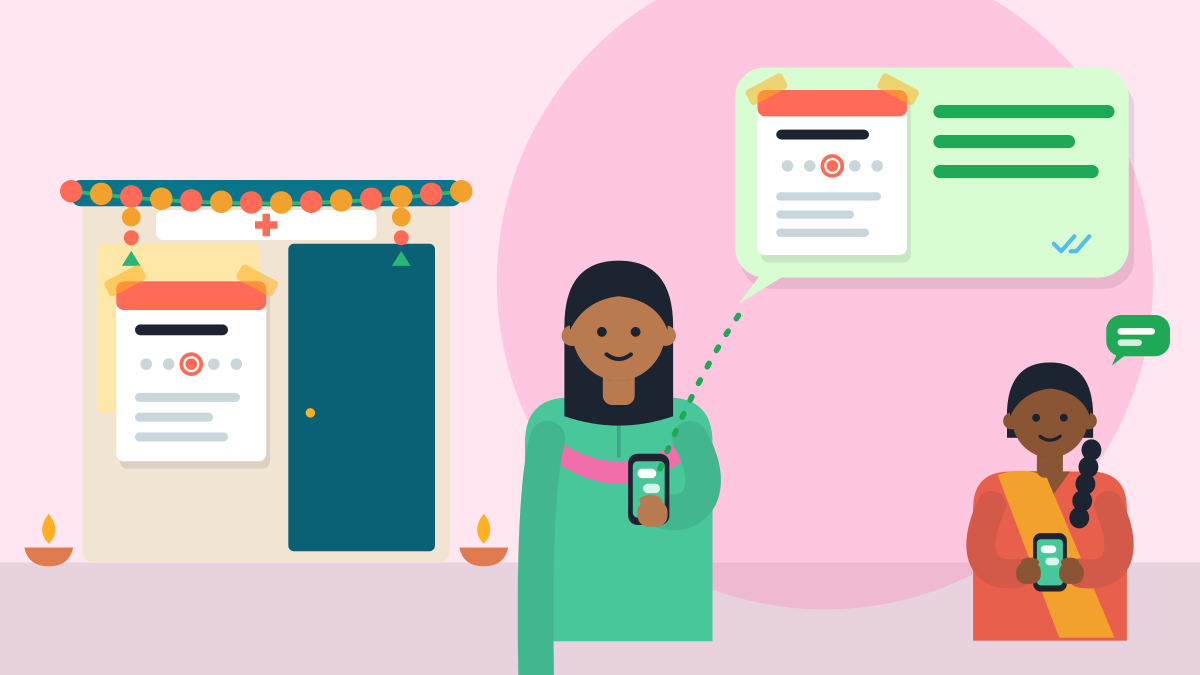
Tell your patients in three places: a WhatsApp message, your Google profile and a notice on the door. Write the notice once and copy it to all three. It takes about ten minutes.
Diwali 2026 fell on Sunday, 8 November. Many clinics close for a few days around it. The same steps work for any holiday, so keep this page for the next one.
A shut door costs a trip
A patient who travels to a closed clinic loses an hour. A mother with a sick child loses more. Most patients are happy to wait a few days. They only need to know when you are back.
The festival runs from Dhanteras on 6 November to Bhai Dooj on 10 November, as ePanchang lists it. Some panchangs shift the last days by a day. Use the dates you keep.
Write the notice once
Fill in the blanks. Keep it short and warm. Say the last day you sit, the first day you are back, and who to call in an emergency.
Dear patients,
[Clinic name] will be closed from [date] to [date] for Diwali. OPD reopens on [day, date] at [time].
For an emergency, please call [number] or go to the nearest hospital.
Happy Diwali to you and your family. Dr [Your name], [degree]
In Hindi:
प्रिय मरीज़ों,
दिवाली के कारण [क्लिनिक का नाम] [तारीख] से [तारीख] तक बंद रहेगा। ओपीडी [दिन, तारीख] को [समय] बजे फिर से खुलेगी।
आपातकाल में कृपया [नंबर] पर फ़ोन करें या पास के अस्पताल जाएँ।
आपको और आपके परिवार को दिवाली की शुभकामनाएँ। डॉ. [आपका नाम], [डिग्री]
Pick the language your patients use most, or put both on one sheet.
Send it on WhatsApp
Do three small jobs, in this order.
- Message patients with a booking. Anyone due to visit during the closed days gets the notice first. Add one line at the end: "Shall we fix a new time on [date]?"
- Post it to your WhatsApp Status. Patients who save your number will see it. Share the same picture on your clinic's Instagram and Facebook page.
- Turn on an away message. In the WhatsApp Business app, open the Tools tab and tap Away message. Switch it on and paste the short text below. Choose a custom schedule for the closed days. You can pick who gets it too (WhatsApp's steps).
Namaste. The clinic is closed for Diwali till [date]. We will reply to you on [date]. For an emergency, call [number].
Or in Hinglish:
Namaste. Diwali ki chhutti ke kaaran clinic [date] tak band hai. Hum aapko [date] ko reply karenge. Emergency mein [number] par call karein.
The away message needs internet on your phone. Keep the phone online, or the reply will not go out.
Change your Google profile
Many patients check Google before they leave home. Make it say what your door says.
Special hours are for short breaks. Google allows up to six days in a row (Google's page).
- Open your Business Profile, then Edit profile, then Hours.
- Next to Special hours, tap Edit.
- Pick each closed date. Tick Closed.
- Tap Save.
Special hours show only when your main hours are set to Open with main hours. For seven days or more, mark the clinic Temporarily closed instead. Full steps are in our timings guide.
Also add an Update post. Go to Posts, then Add post, and choose Update. Paste your notice and post it. Delete the post when you are back. Google checks posts before they show, so post a day early (Google's post page).
Put a notice on the door
Some patients never look at a phone. Print the notice on one A4 sheet in large letters. Stick it at eye level, at the gate and at the clinic door. Keep it to four lines:
- The closed dates.
- The day and time you reopen.
- An emergency number.
- Your clinic's WhatsApp number, for patients who want a new time.
Tell your staff the same four lines, so everyone gives one answer.
In one table
| Where | What to write | Time |
|---|---|---|
| WhatsApp to booked patients | The notice, plus a new time | 3 min |
| WhatsApp Business away message | Short text, custom schedule | 3 min |
| Google special hours | Each closed date, then Save | 2 min |
| Door and gate | Printed notice, four lines | 2 min |
Switch it all off
On your first morning back, remove the away message or let its schedule end. Check your Google hours once more. Then post one line: "We are open. Wishing you a healthy new year."
Patients remember the clinic that told them the truth. The same notice works for any leave: a conference, a wedding or a rest.
Your free clinic page can carry your OPD timings too, and you change them by WhatsApp. Set up my digital clinic. Then your dates are right in one more place.
Related guides
- How to change your clinic timings on Google Maps
- Your Google hours say 'Open 24 hours'? Patients notice.
- How to attract patients to your clinic in 2026
- Hospital OPD front desk on WhatsApp: tokens, reminders and missed calls
Short answers
How do I tell patients my clinic is closed for Diwali?
Tell them in three places: a WhatsApp message, your Google profile and a notice on the door. Write the notice once and copy it to all three. It takes about ten minutes. Say the last day you sit, the first day you are back, and who to call in an emergency.
How do I set a WhatsApp away message for a clinic holiday?
In the WhatsApp Business app, open the Tools tab and tap Away message. Switch it on, paste a short text, and choose a custom schedule for the closed days. You can pick who gets it. Keep your phone online, or the reply will not go out.
How do I mark my clinic closed on Google for Diwali?
Open your Business Profile, then Edit profile, then Hours. Next to Special hours, tap Edit, pick each closed date, tick Closed and tap Save. Google allows up to six days in a row. For seven days or more, mark the clinic Temporarily closed instead.
What should a clinic closed notice say?
Keep it short and warm. Give the closed dates, the day and time you reopen, an emergency number and the clinic's WhatsApp number for a new time. Print it on one A4 sheet in large letters. Stick it at eye level at the gate and the clinic door.
When should I post a holiday update on my Google profile?
Post a day early. Go to Posts, then Add post, and choose Update. Paste your notice. Google checks posts before they show. Delete the post when you are back, remove any away message, and check your Google hours once more.
Can I use the same notice for other holidays?
Yes. The same steps work for any leave: Diwali, a conference, a wedding or a rest. Fill in the blanks of the notice, send it on WhatsApp, update Google and print the door sheet. Keep the page for the next holiday.
VisiDx Team
Built by a doctor, for doctors.
Not affiliated with Google, OpenAI, Anthropic, Perplexity, Microsoft, Meta or YouTube.